Every plugin, one keystroke away

TVB Studio, the plugin browser that loads straight into your DAW.

Multi-DAW support coming soon →

Works with the plugins you already own

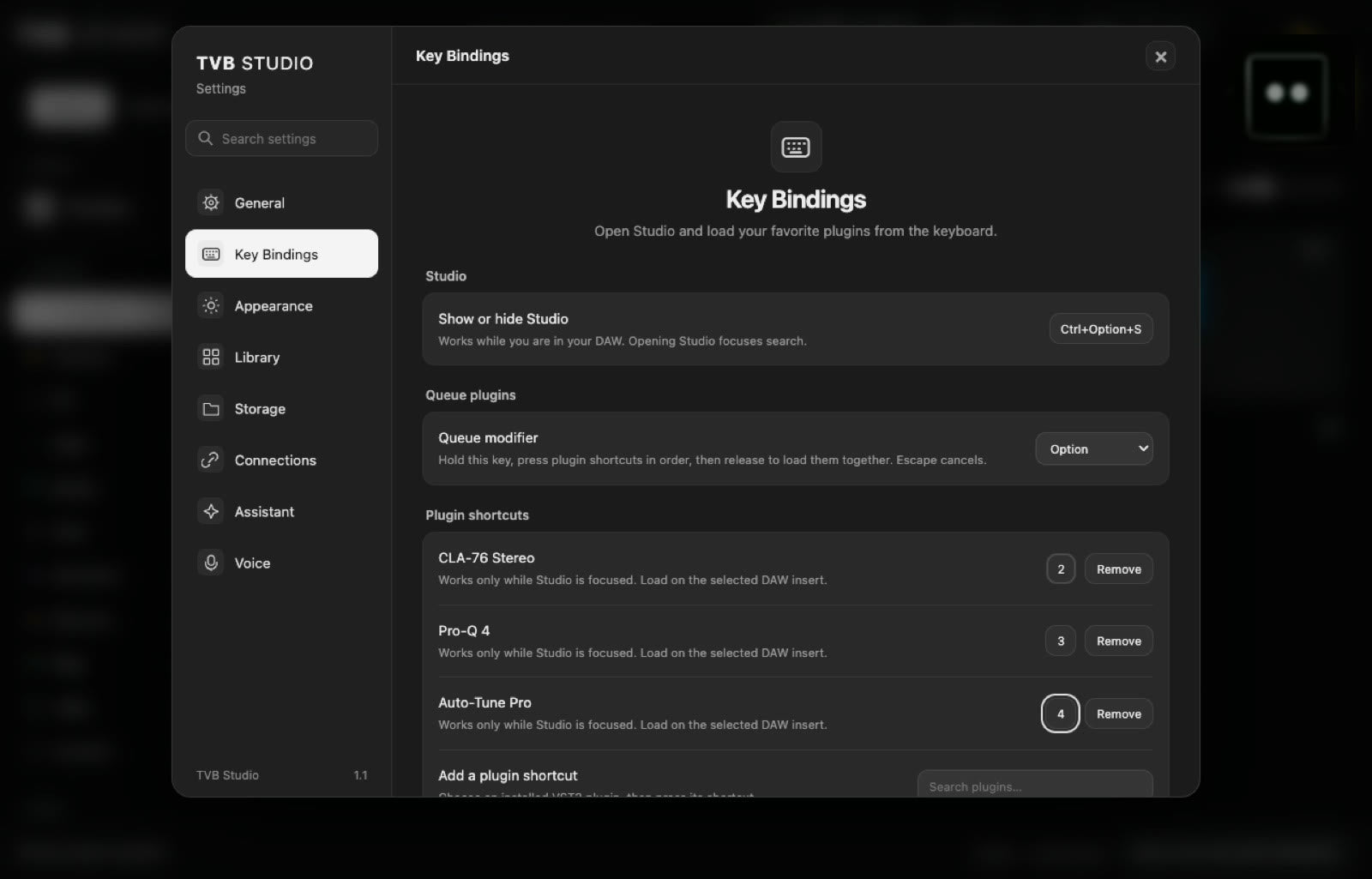
TVB Studio is the plugin browser ⌃⌥S where producers can search, speak and load any plugin straight onto the insert.

Try it right here

Pin your favorites so you never dig through folders again.

This is a working copy of the TVB Studio window. Search, pick a category, star a favorite, or click Rack and ask. Click any plugin and watch it land on the mixer insert underneath, just like it does in FL Studio.

  1. 1Find a plugin: search, browse, or click Rack and ask
  2. 2Click a card (or press Enter)
  3. 3It lands on your selected mixer insert
FL Studio → Insert 3Connected · Insert 3
FORMATVST3 ▾

YOUR COLLECTION

All plugins 33

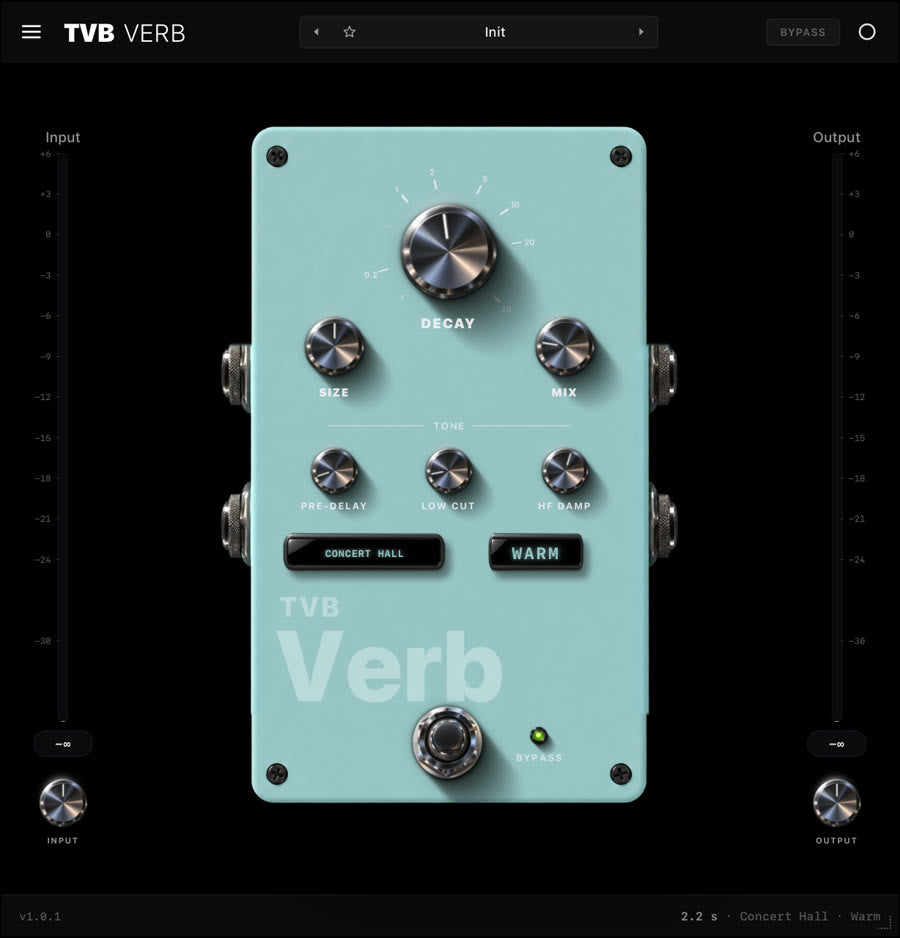
TVB VerbThe Vox Box
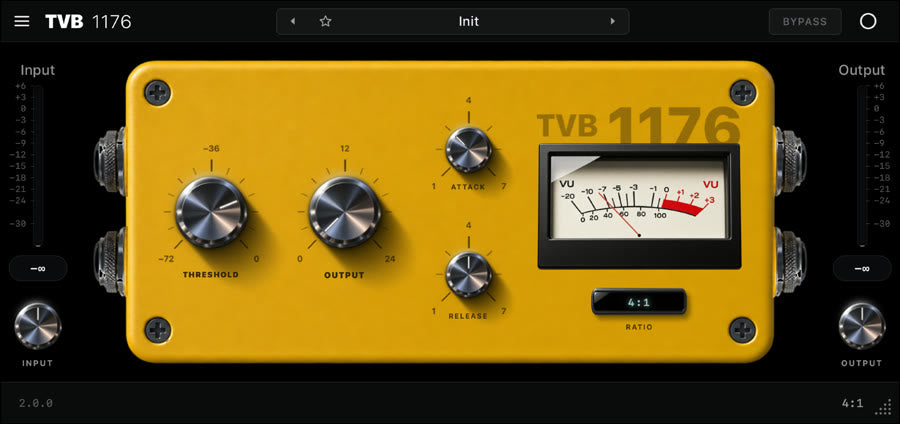
TVB 1176The Vox Box
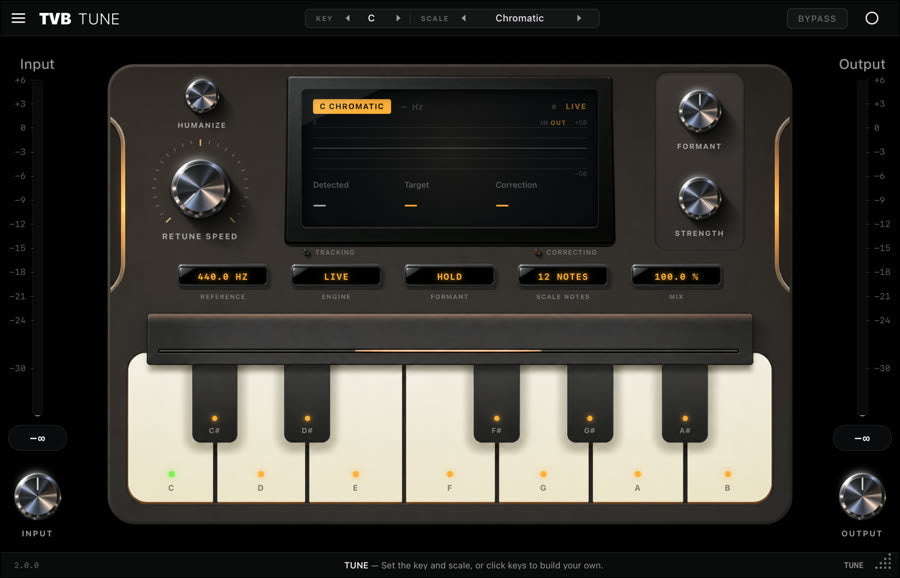
TVB TuneThe Vox Box
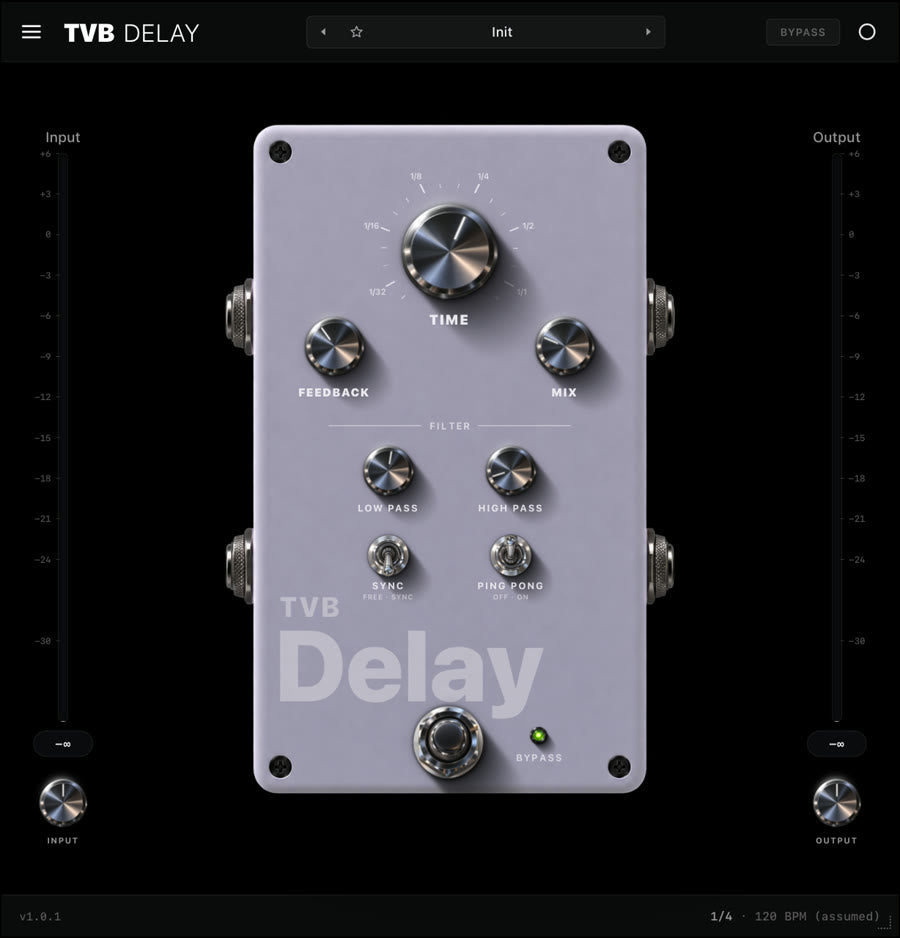
TVB DelayThe Vox Box
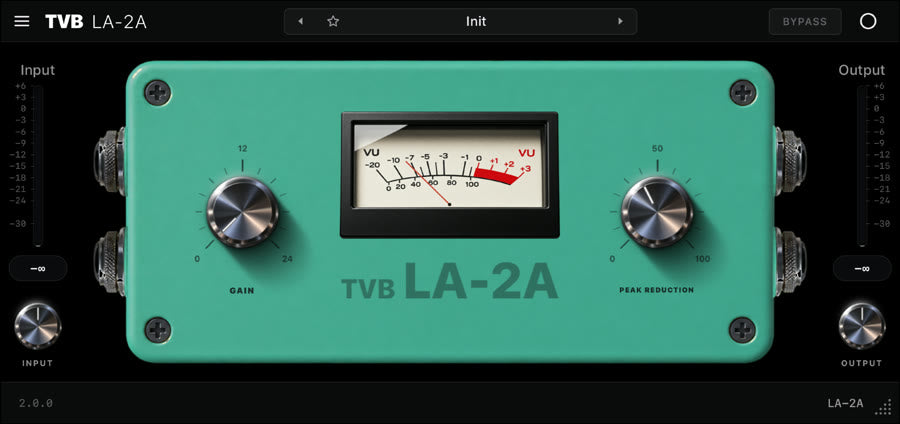
TVB LA-2AThe Vox Box
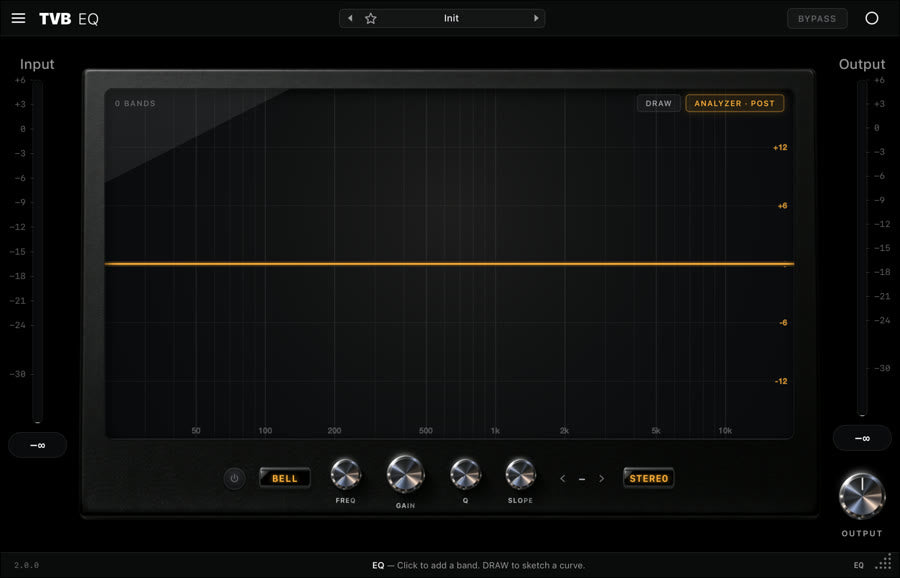
TVB EQThe Vox Box
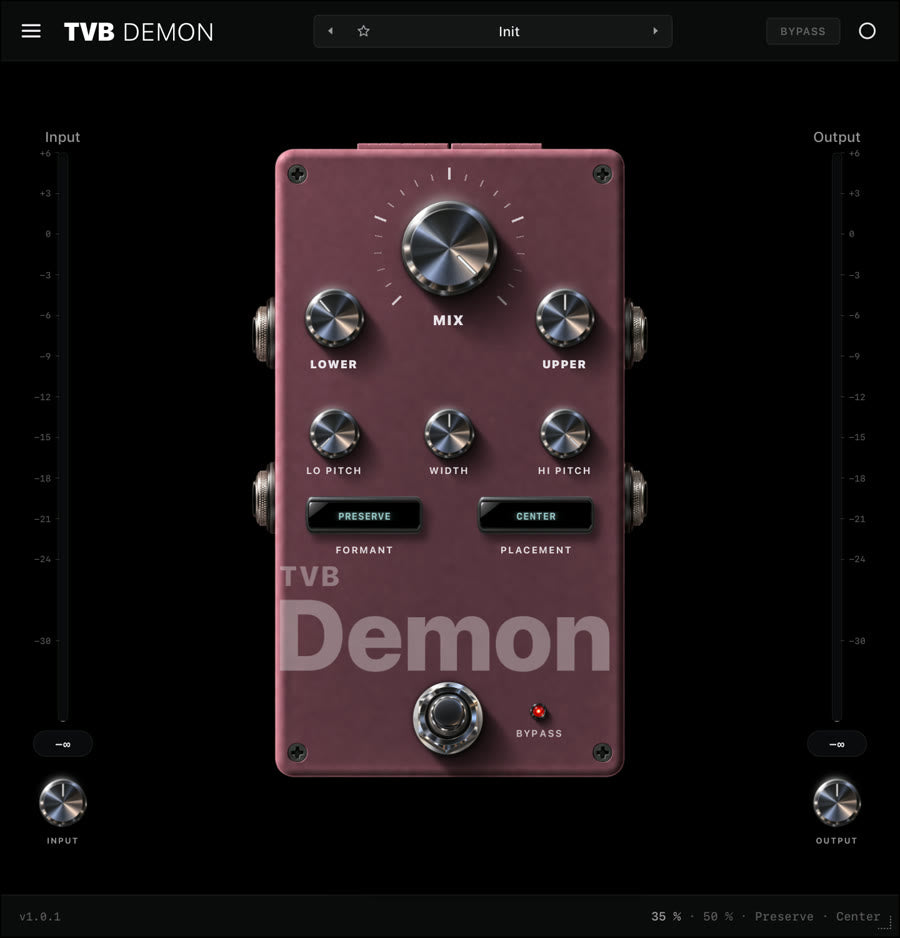
TVB DemonThe Vox Box
TVB DoubleThe Vox Box
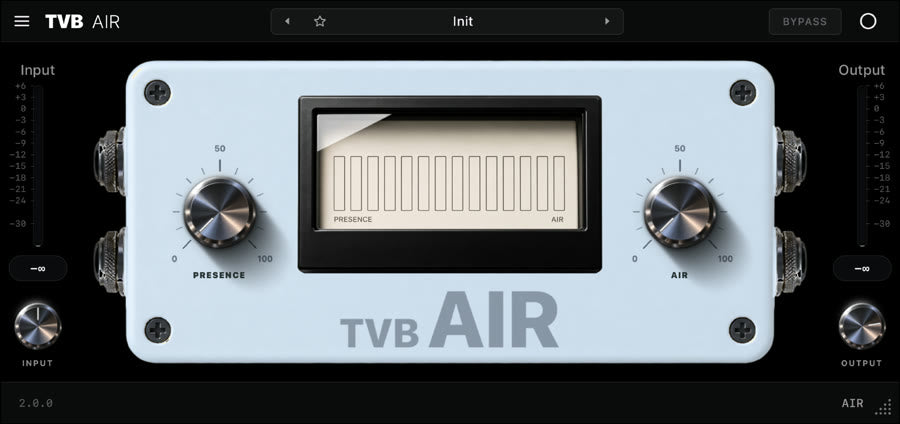
TVB AirThe Vox Box
TVB De-EsserThe Vox Box
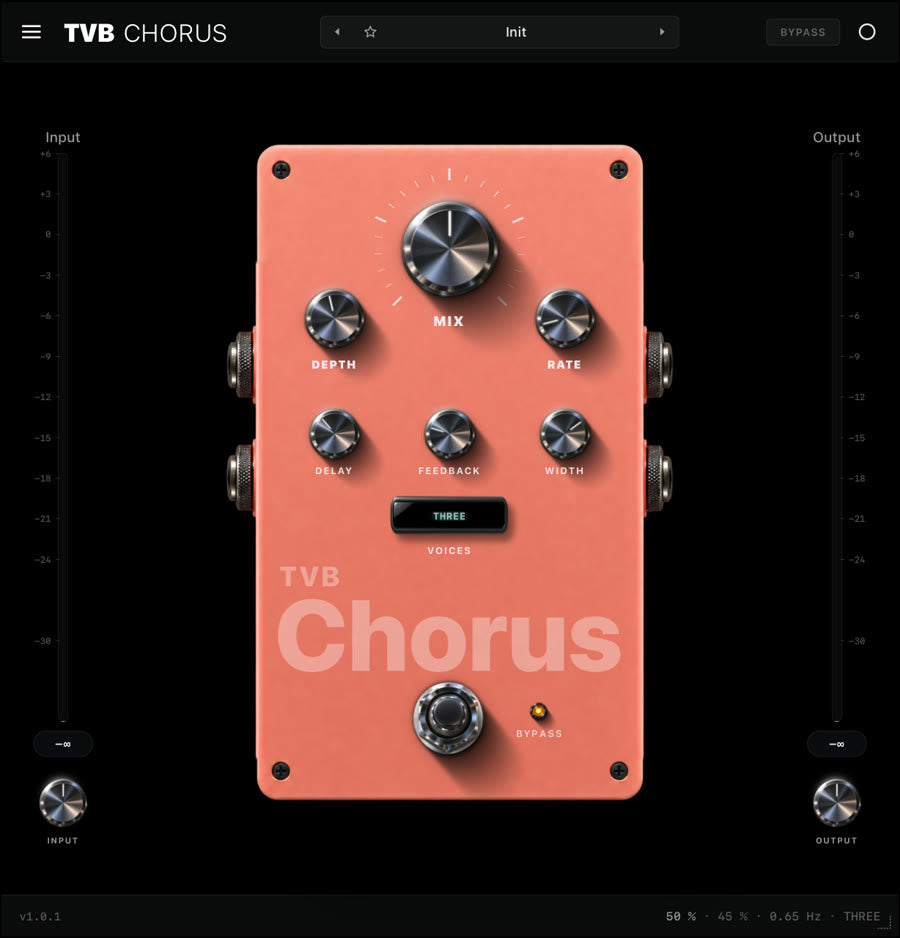
TVB ChorusThe Vox Box
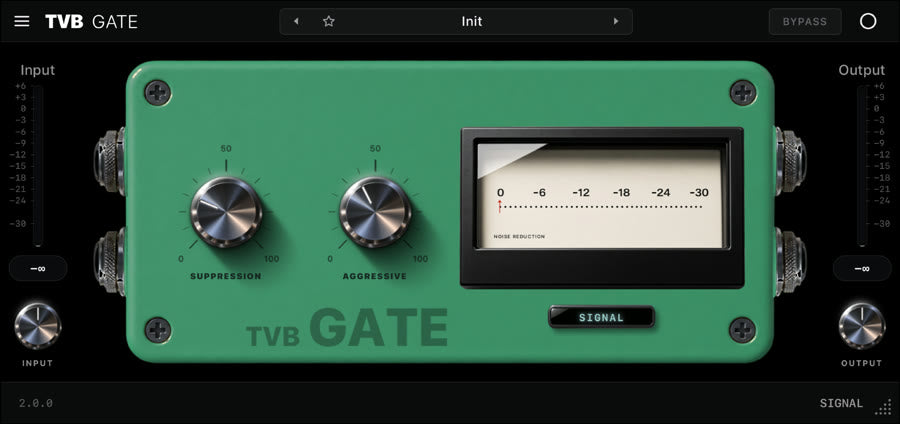
TVB GateThe Vox Box
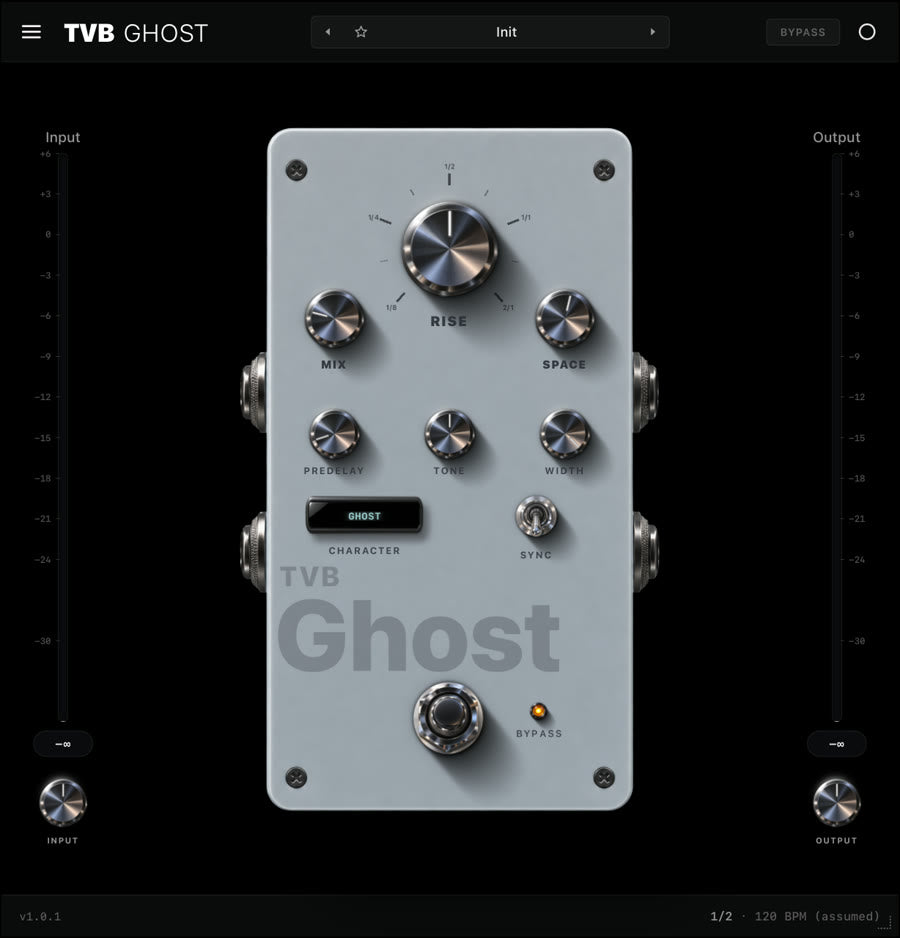
TVB GhostThe Vox Box
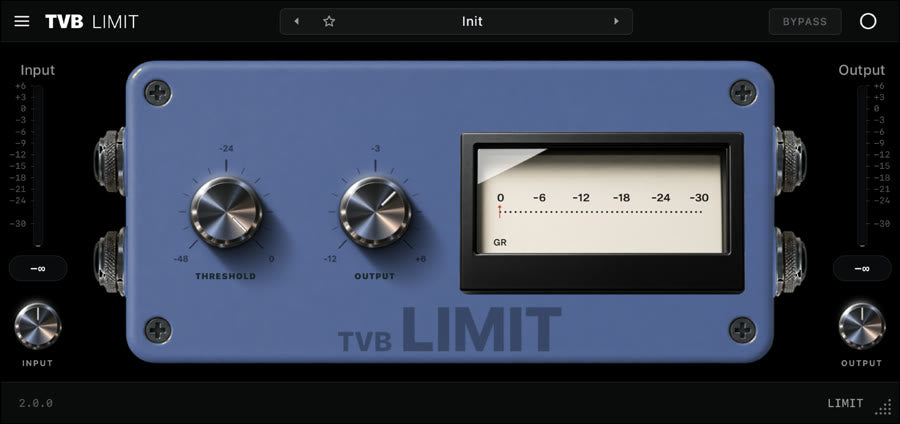
TVB LimitThe Vox Box
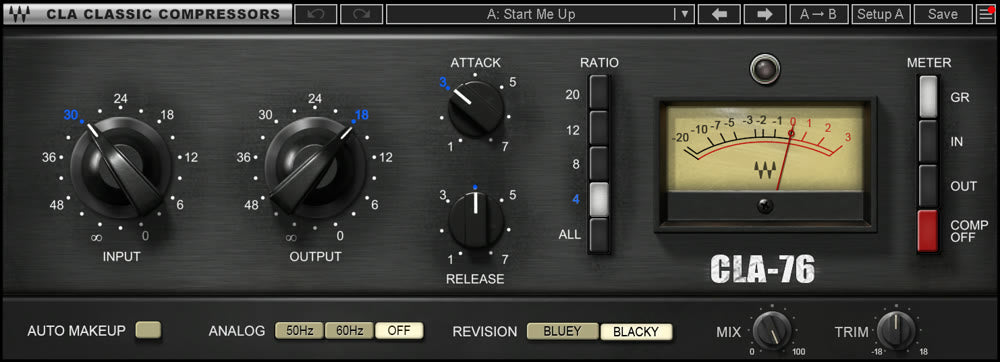
CLA-76 StereoWaves
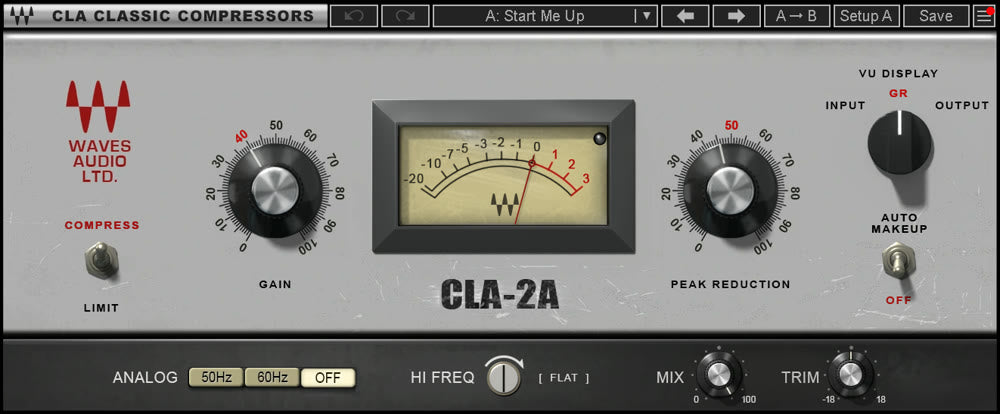
CLA-2A StereoWaves
NS1 StereoWaves
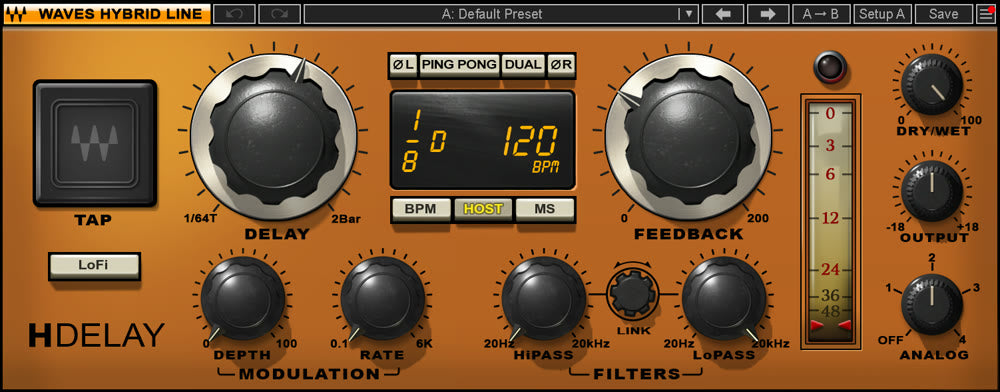
H-Delay StereoWaves
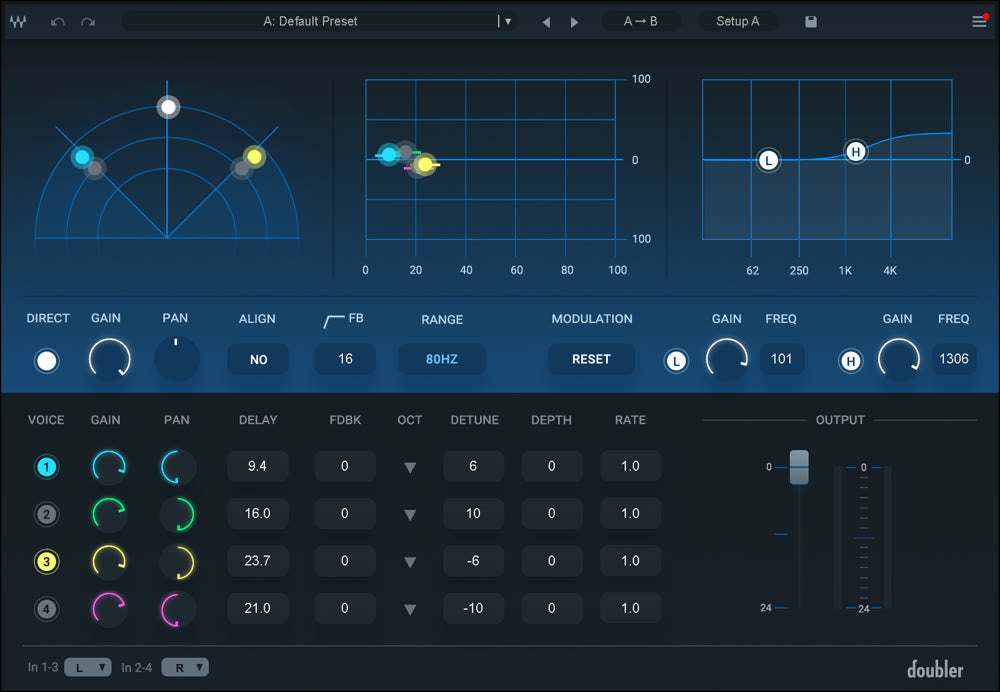
Doubler4 StereoWaves
Abbey Road Chambers StereoWaves
Abbey Road Plates StereoWaves
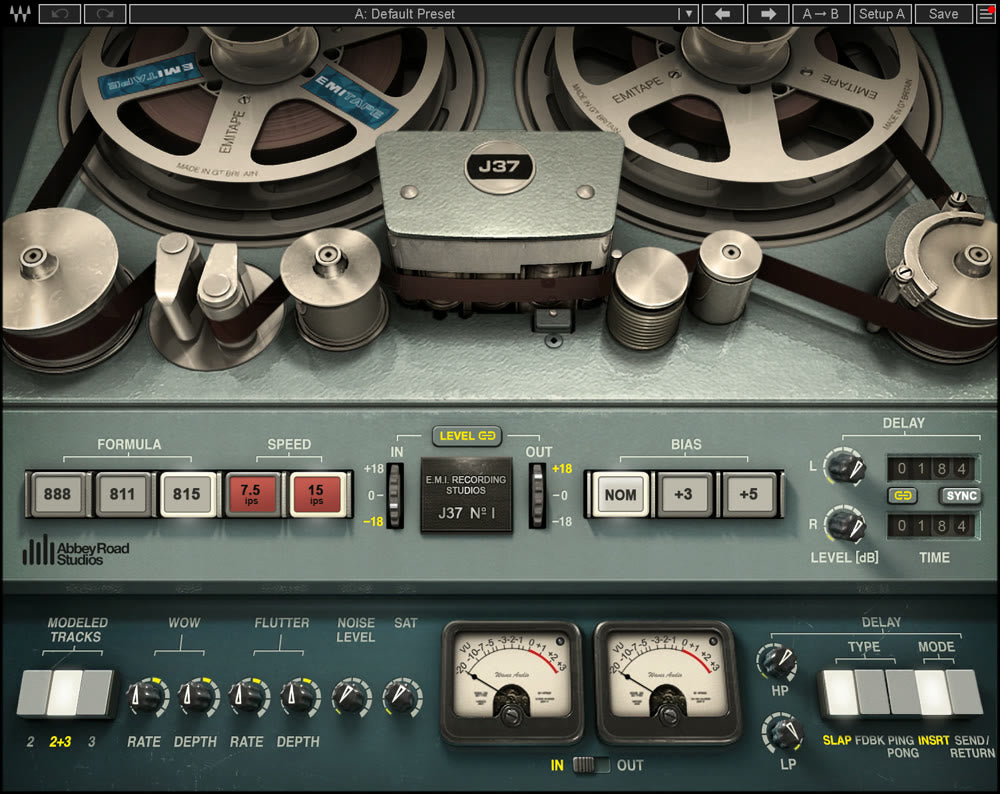
Abbey Road J37 Tape StereoWaves
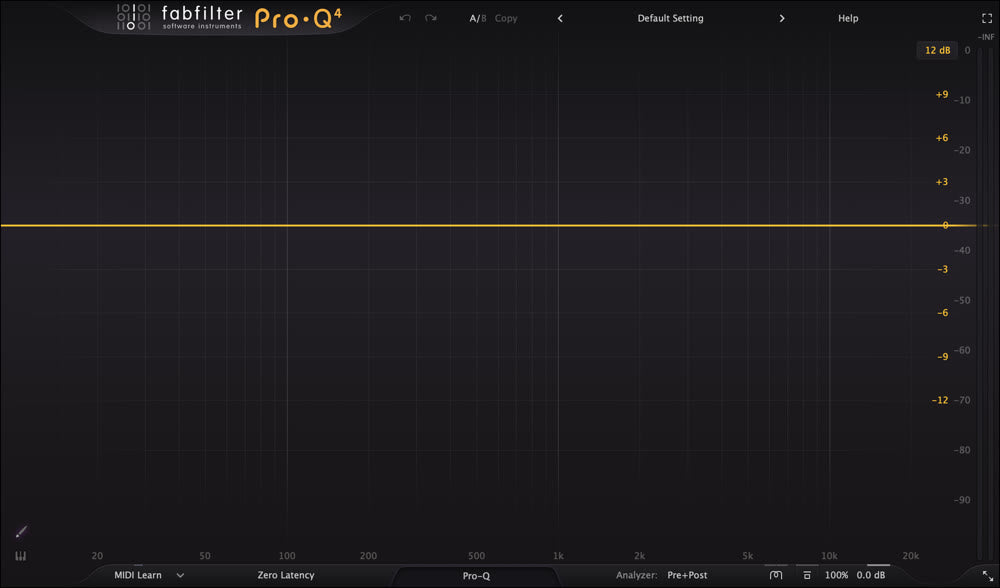
Pro-Q 4FabFilter
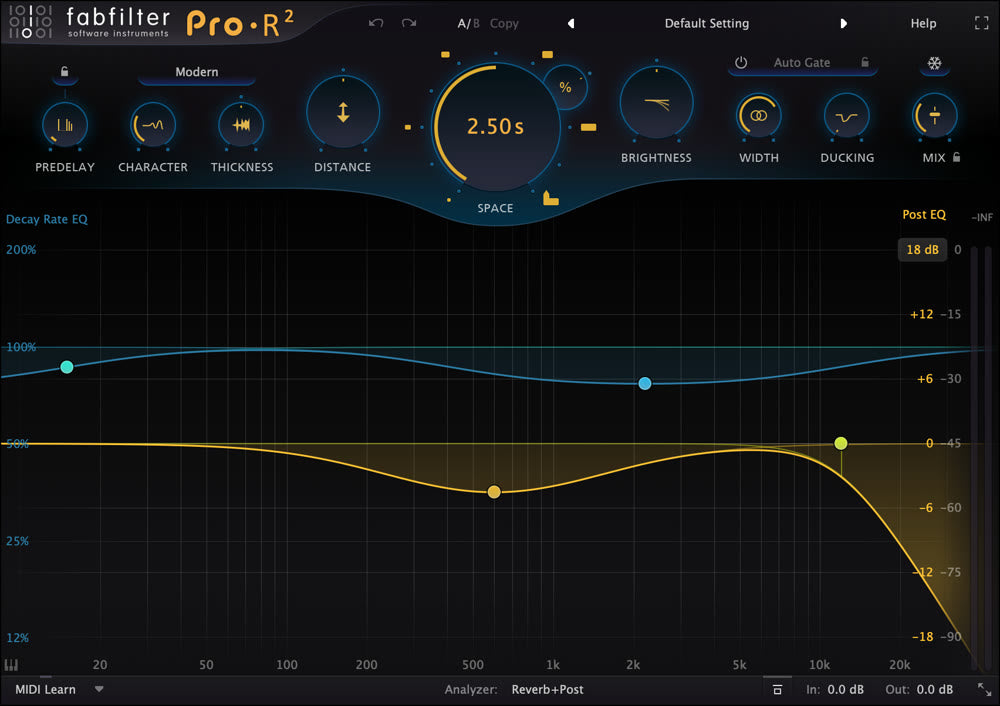
Pro-R 2FabFilter
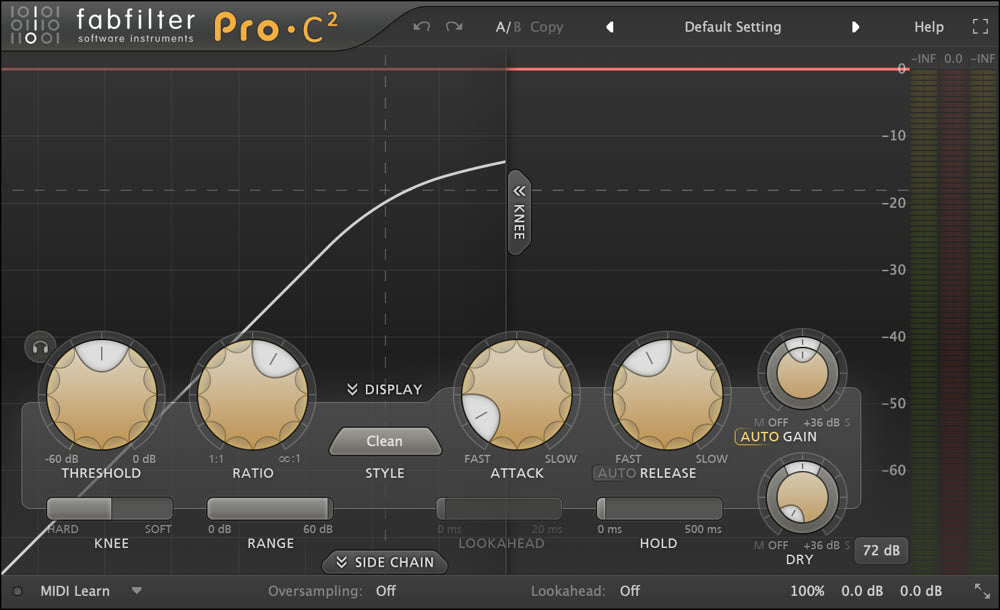
Pro-C 2FabFilter
Pro-L 2FabFilter
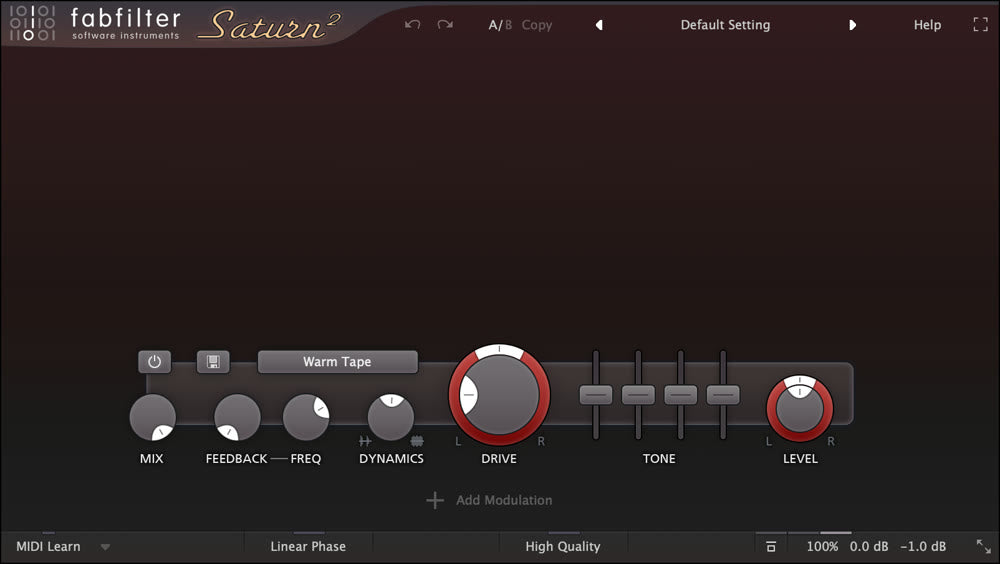
Saturn 2FabFilter
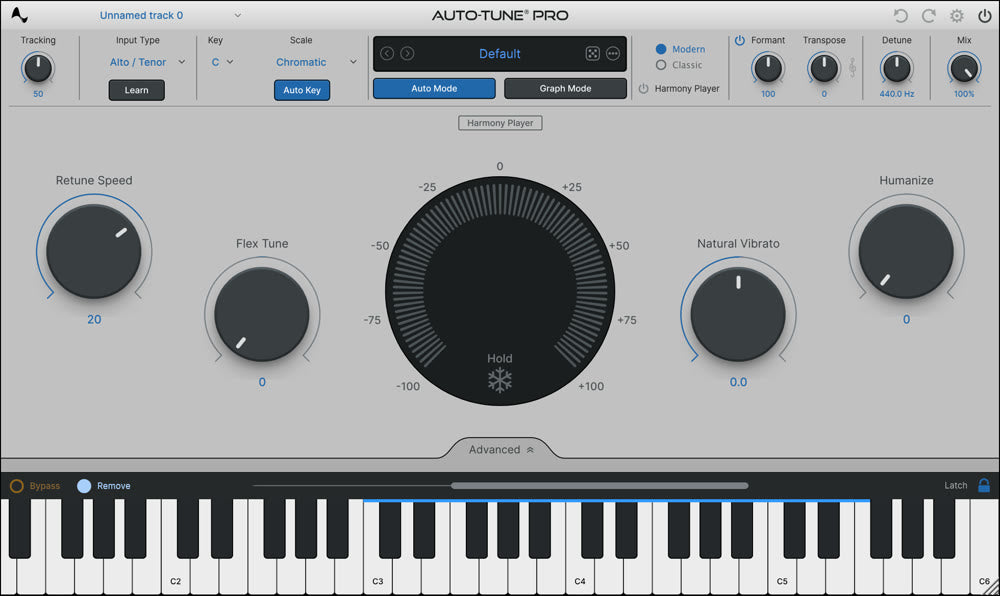
Auto-Tune ProAntares
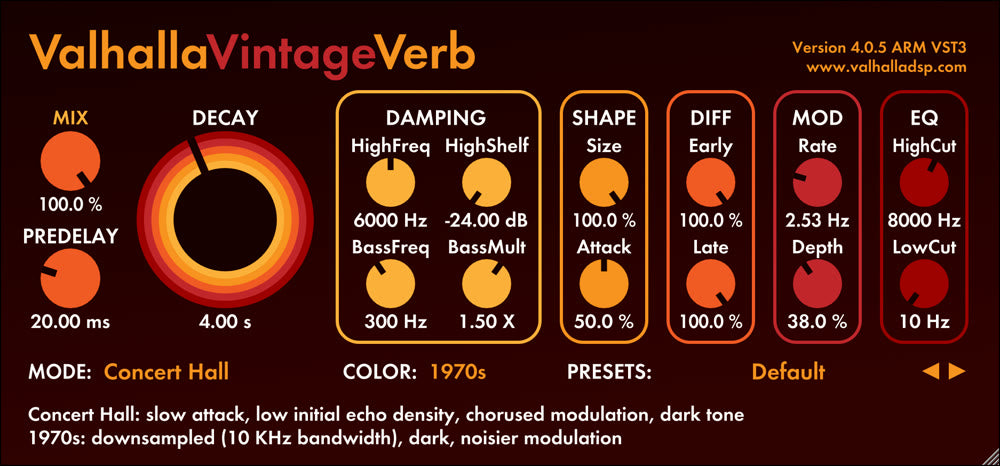
ValhallaVintageVerbValhalla DSP
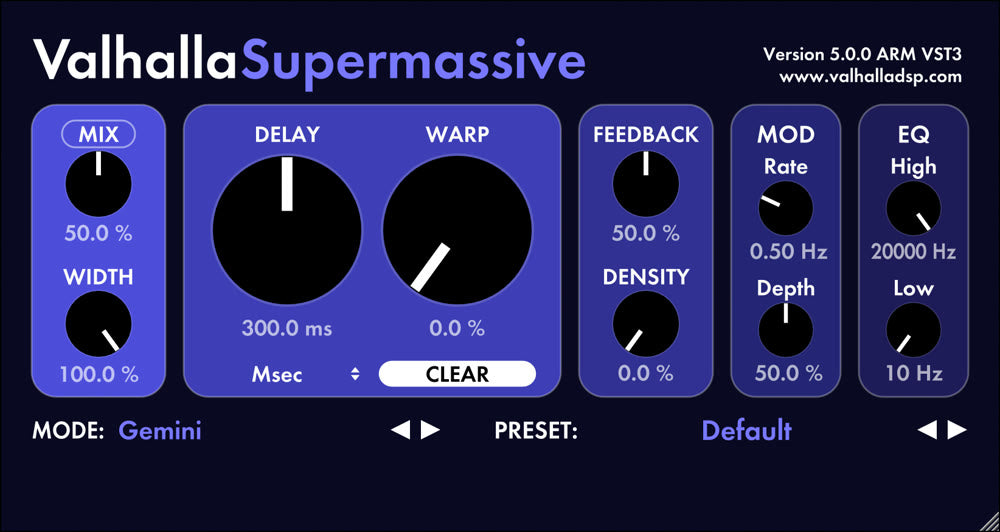
ValhallaSupermassiveValhalla DSP
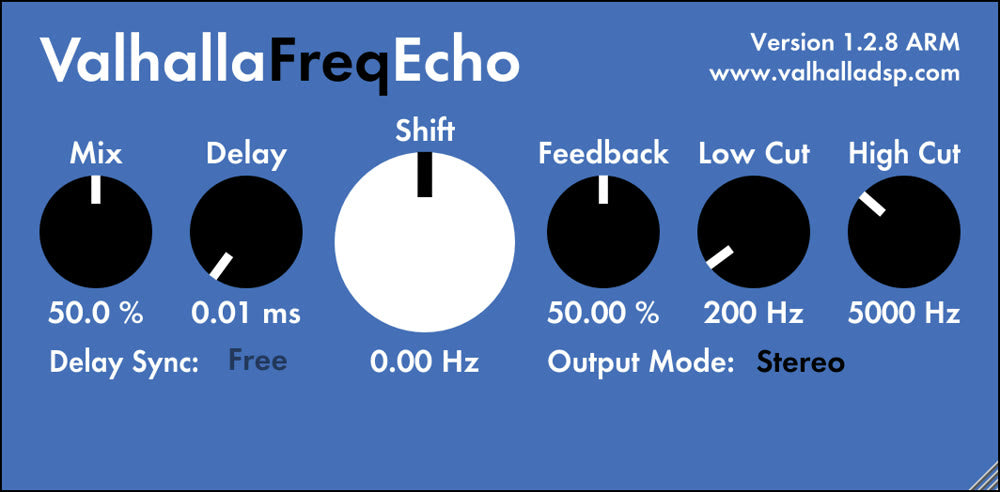
ValhallaFreqEchoValhalla DSP
DisperserKilohearts
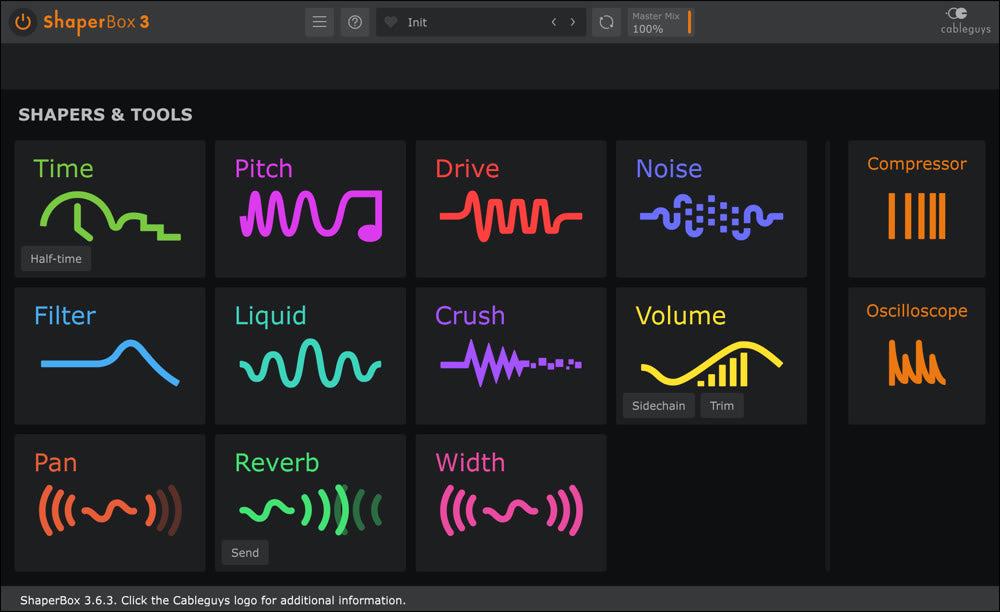
ShaperBox 3Cableguys
35 plugins · 35 picturesClick a card to load it · ⌃⌥S hides Studio
▶ Mixer - Insert 3
(none)
▸Slot 1
▸Slot 2
▸Slot 3
▸Slot 4
▸Slot 5
▸Slot 6
▸Slot 7
▸Slot 8
▸Slot 9
▸Slot 10
Equalizer

How it works

From every plugin you own to your mixer, in one click.

Try the demo ↑

Scanning your Mac

📁 /Library/Audio/Plug-Ins/VST3 ✓
📁 /Library/Audio/Plug-Ins/Components ✓
📁 WaveShell1-VST3 17.1 ✓

437 plugins found

01

It finds every plugin you own

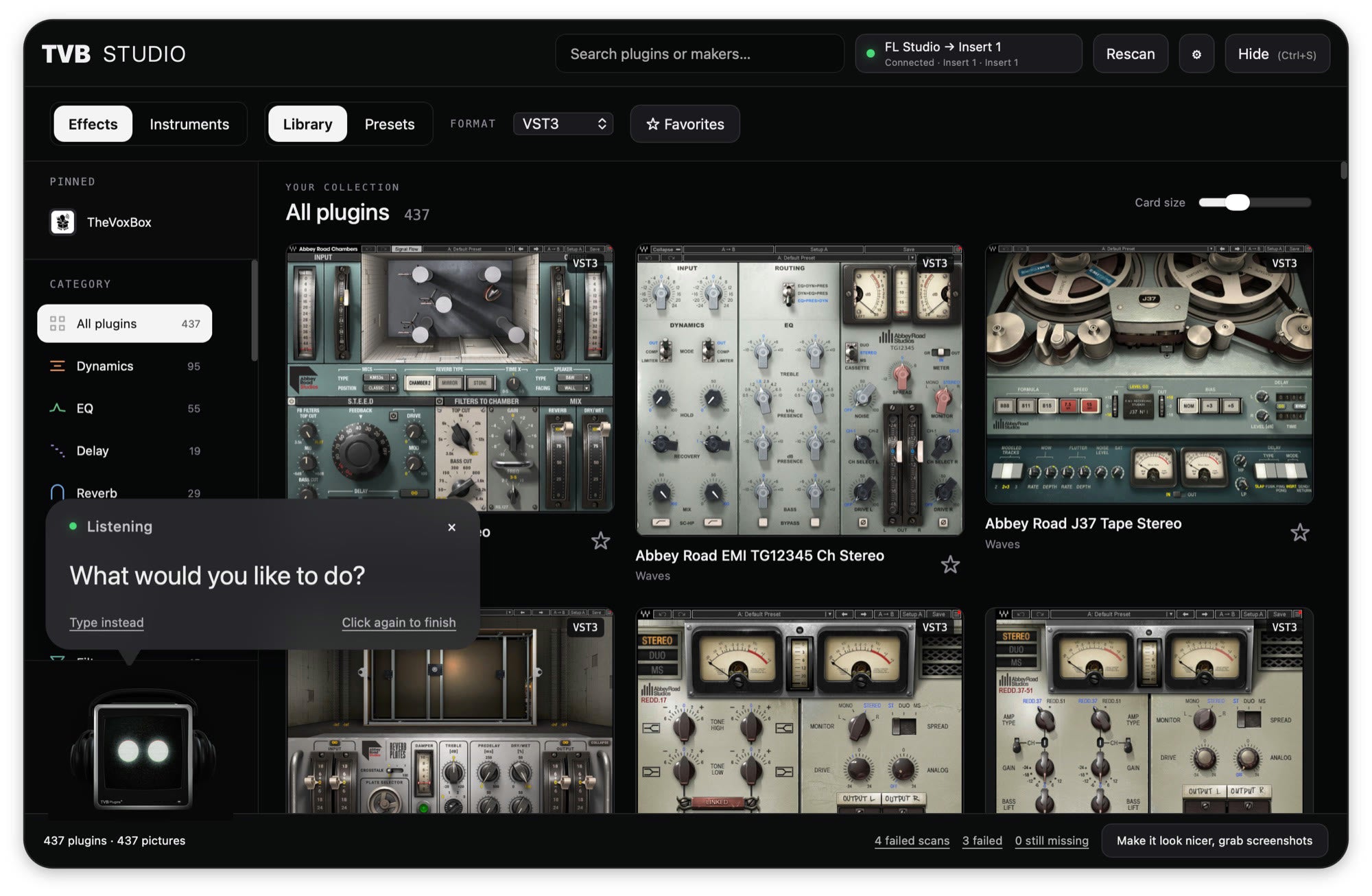
Open Studio once. It scans your AU and VST3 folders in the background, Waves shells included, and takes a real screenshot of each plugin so you can see it, not just read its name.
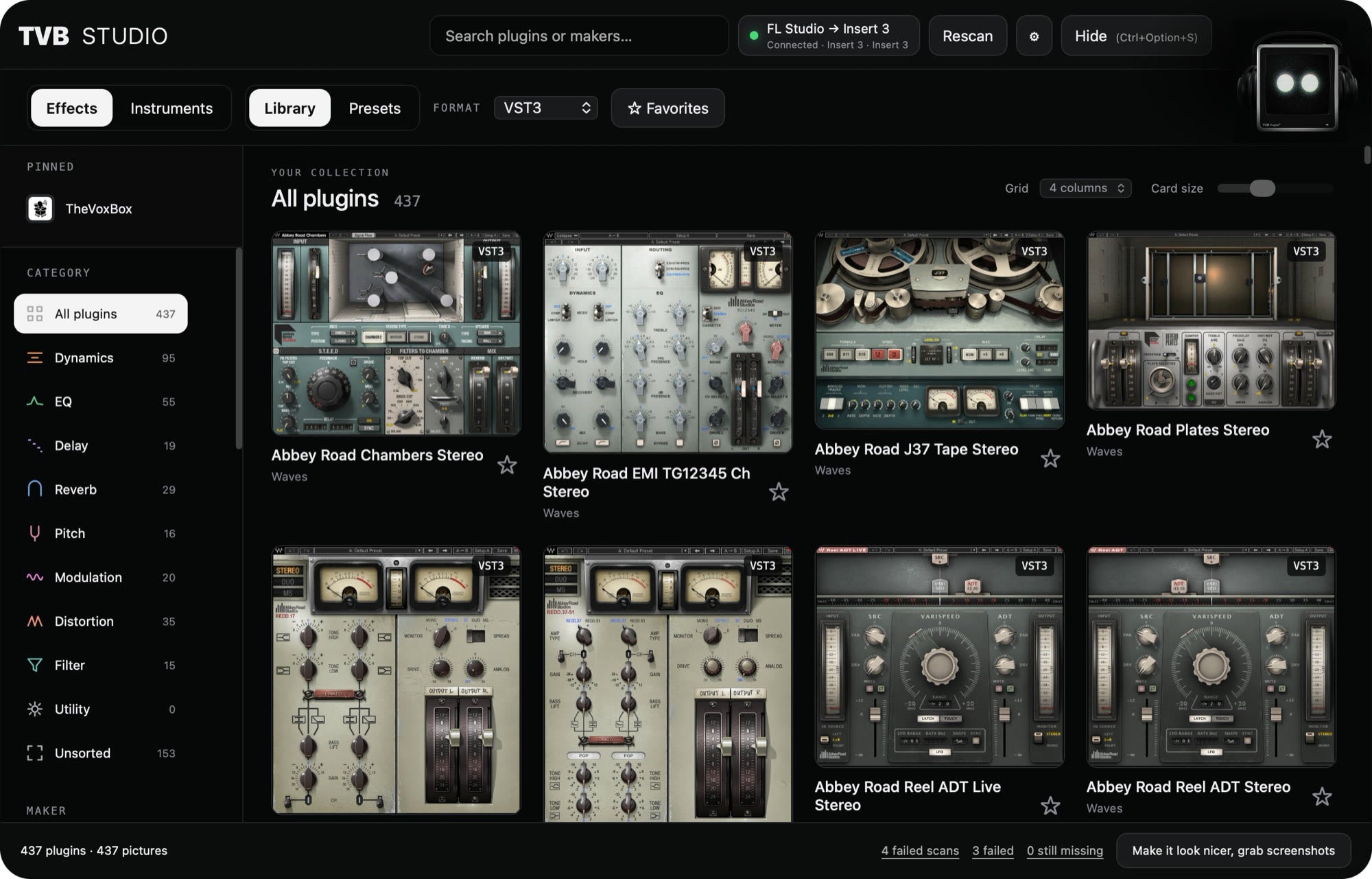
Dynamics95
EQ55
Delay19
Reverb29
Pitch16
Distortion35

02

It sorts them for you

Everything is grouped into categories like Dynamics, EQ, Delay and Reverb, plus a list by maker. No more scrolling one giant alphabetical list.

TVB Verb
TVB Air

03

You find the one you want

Type a name, a maker, or plain words like “comp” or “bright reverb”. Or click Rack and say it out loud.

TVB Verb
→

FL Studio · Insert 3

1 TVB Tune
2 TVB 1176
3 TVB Verb
4 (none)

04

It lands in your session

Click it and Studio puts the plugin on the mixer insert you have selected in FL Studio, then gets out of your way.

There's a category for that

Browse every effect and instrument you own by category, maker, or format.

Studio scans your AU and VST3 folders in the background, then sorts everything into Dynamics, EQ, Delay, Reverb, Pitch, Modulation, Distortion and more. Search knows that “comp” means compressor.

Library | Reverb×
VST3
TVB Verb
VST3
TVB Air
VST3
TVB Ghost
VST3
TVB Chorus
Listening

“Show me reverbs”

Just ask Rack

Find a sound with your voice ●, a typed question Aa, or a single shortcut.

Click Rack and say what you need. Speech is recognized on your Mac with Whisper, and the optional assistant runs locally. It only ever recommends plugins that are actually installed.

TVB Studio SearchTVB Studio SpeakTVB Studio Shortcut

Load in 3 ways

Pairs with the TVB Rack

TVB Rack The Vox Box
Bright Vocals Verb + Air
Dark Ad-libs Demon + Delay
All TVB Plugins →

What's next

Where TVB Studio is headed.

  1. Available now

    TVB Studio for Mac and Windows

    Scan every AU and VST3 you own, search or ask Rack, and load plugins and saved chains onto your FL Studio mixer insert.

  2. Coming soon

    Multi-DAW support

    Load straight into Ableton Live and Logic Pro, with Studio following whichever DAW you are working in.

  3. Planned

    Instruments to a new channel

    Pick a synth or drum plugin and Studio opens it on a fresh instrument channel, ready to play.

  4. Planned

    Chains that remember your settings

    Save a chain with your knob settings, not just the plugin order, and bring the exact sound back.

Request a feature

Tell us what Studio should do next.

Every request is read by the team building Studio. We'll reply if we have questions.

macOS · Apple silicon · Windows 10/11 · VST3 + AU

Every plugin you own, one keystroke away.

Works with FL Studio on Mac and Windows today. Multi-DAW support for Ableton Live and Logic Pro is coming soon.

A LITTLE MORE FOR YOUR NEXT SOUND

SAVE20% OFF

Checkout in the next 5 minutes

5:00

Your five minutes start when you accept. Your 20% discount applies automatically when you click Checkout during that time.